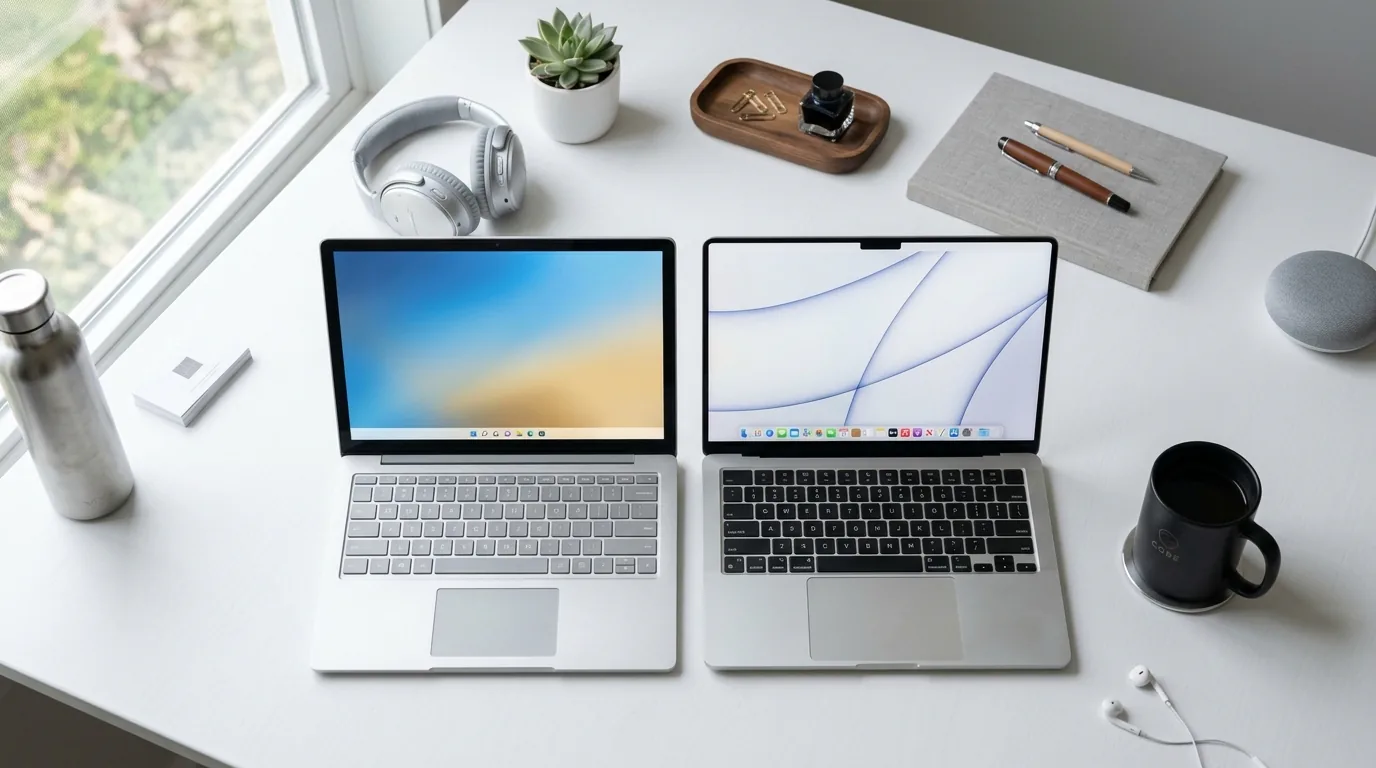
Choosing between Windows and Mac is one of the most common questions laptop buyers ask — and honestly, there's no universal "better" answer. The right choice depends on your budget, the software you need, and what you'll actually be doing with the laptop day to day. Here's a clear breakdown to help you decide.
Market Reality: Windows Still Dominates, But Mac Is Growing
Windows currently runs on roughly 72% of desktops and laptops worldwide, while macOS sits at around 15% and continues to grow steadily, especially among creative professionals and tech workers. This gap matters less for personal use and more if you need to collaborate with others — file compatibility, shared software, and IT support are all easier when you're using the more common platform in your field.
Performance & Hardware
Windows laptops span an enormous range — from ultra-budget models under ৳30,000 to high-end gaming rigs with dedicated graphics cards. This flexibility means you can pick exactly the specs you need without overpaying for features you won't use.
MacBooks, on the other hand, use Apple's own M-series chips, which are known for excellent performance-per-watt and long battery life. You pay a premium, but you get a machine that runs cool, quiet, and efficiently — ideal for people who value build quality and battery life over raw customization.
Software & Compatibility
If your work depends on Windows-only software — certain engineering tools, specific enterprise applications, Excel macros/VBA, or Microsoft Access — Windows is the safer choice. Some older Office add-ins and niche industry software still don't have a Mac equivalent.
Mac tends to win for creative workflows — video editing, photography, and music production software often feels more polished and native on macOS. Mac also integrates tightly with iPhone and iPad if you're already in the Apple ecosystem (Handoff, AirDrop, Continuity features).
For general office work — Word, Excel, PowerPoint, Teams, or browser-based tools like Google Workspace — both platforms perform almost identically today, so this shouldn't be your deciding factor unless you rely on the specific Windows-only features mentioned above.

Price: Windows Wins on Value
This is where Windows has a clear edge. You can get a genuinely capable Windows laptop for students or office work in Bangladesh for ৳40,000–৳60,000. The cheapest usable MacBook (Air, M-series) typically costs significantly more, and Apple doesn't offer as many budget tiers. If cost is your primary constraint, Windows gives you far more choice.
Battery Life & Build Quality
Modern MacBooks generally lead in battery life, often lasting a full workday on a single charge thanks to Apple Silicon's efficiency. Windows laptops vary widely here — premium ultrabooks (like business ThinkPads or premium Dell/HP lines) can compete closely, but budget Windows laptops often fall short in comparison.
Who Should Choose Windows?
- You're on a tight budget and need the most laptop for your money
- You need specific Windows-only software (engineering tools, certain enterprise apps, Excel power features)
- You want maximum hardware choice — gaming, upgradability, wide port selection
- You already use an Android phone and prefer that ecosystem
Who Should Choose Mac?
- You do creative work — video editing, photo editing, music production
- You already use an iPhone/iPad and want seamless integration
- Battery life and build quality matter more to you than raw customization
- You do software development, especially iOS app development (which requires macOS)

Final Verdict
There's no single winner here — it genuinely depends on your use case. If you want flexibility and value for money, go Windows. If you want a polished, efficient machine and you're already invested in the Apple ecosystem, Mac is worth the premium. Whichever you choose, match the platform to your actual daily tasks, not brand preference alone.