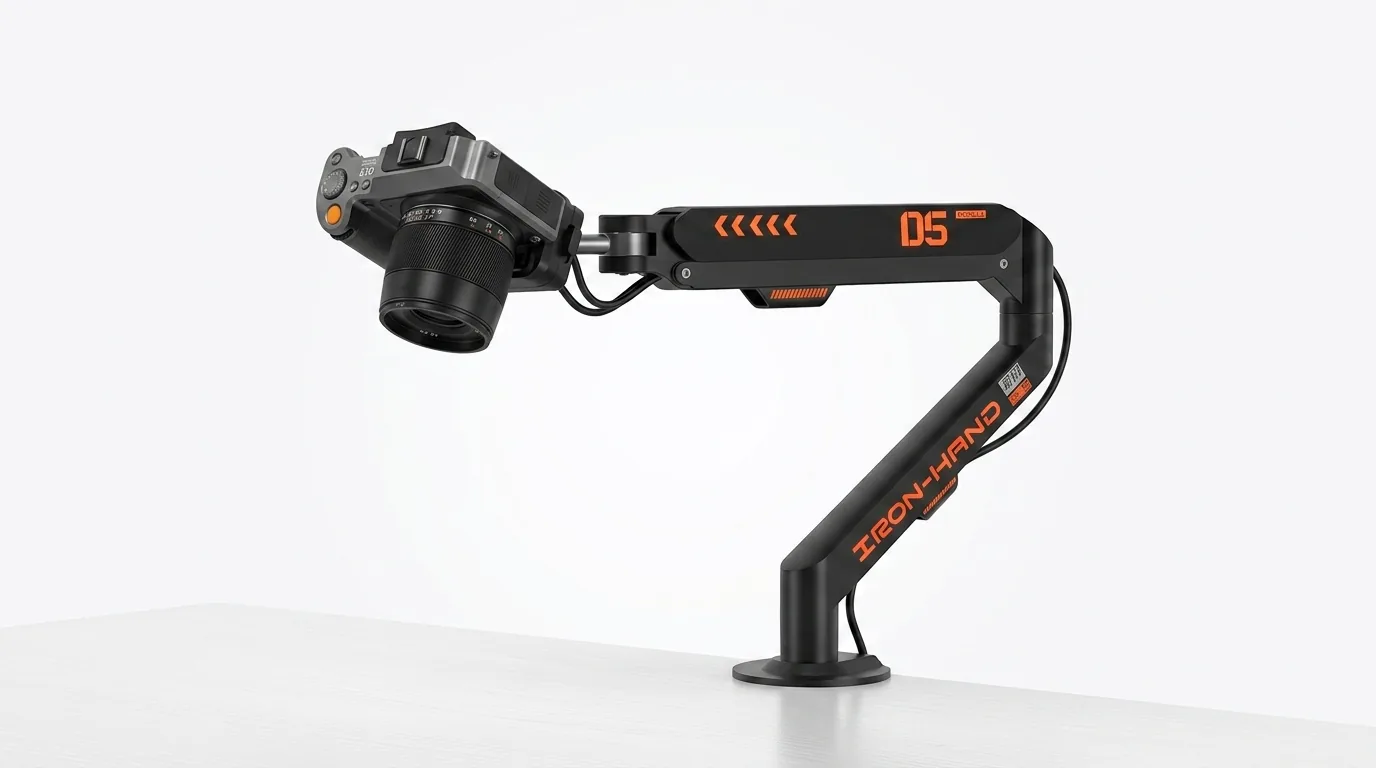
Overhead footage lives or dies on one thing: whether the camera stays exactly where you put it. Tripods wobble every time you bump the desk, and cheap arms droop under a phone's weight within a week. The JINRAIKO Overhead Camera Mount — a desk-clamped arm with a hydraulic "floating" mechanism — has quietly become the budget pick for artists, crafters and streamers who need a top-down camera that holds position all day.
The Hydraulic Arm Is the Story
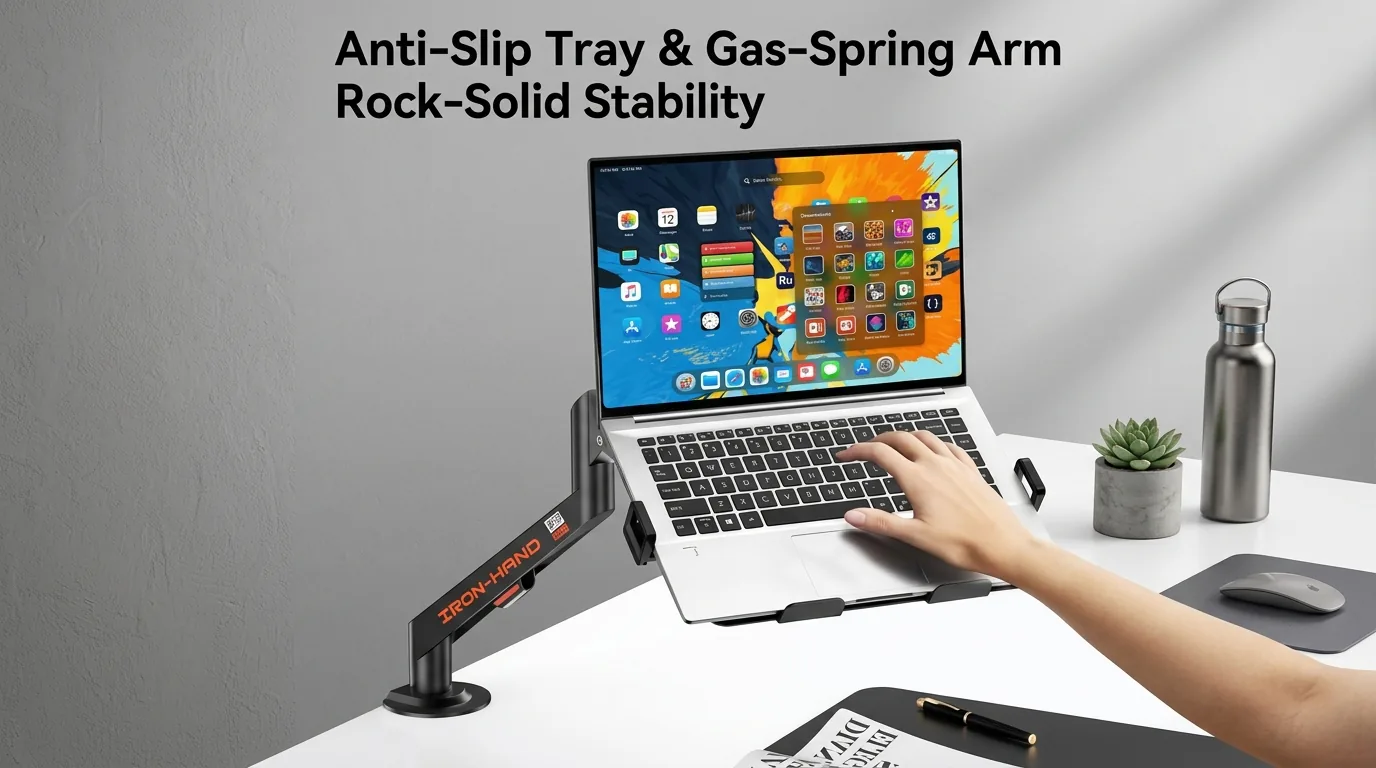
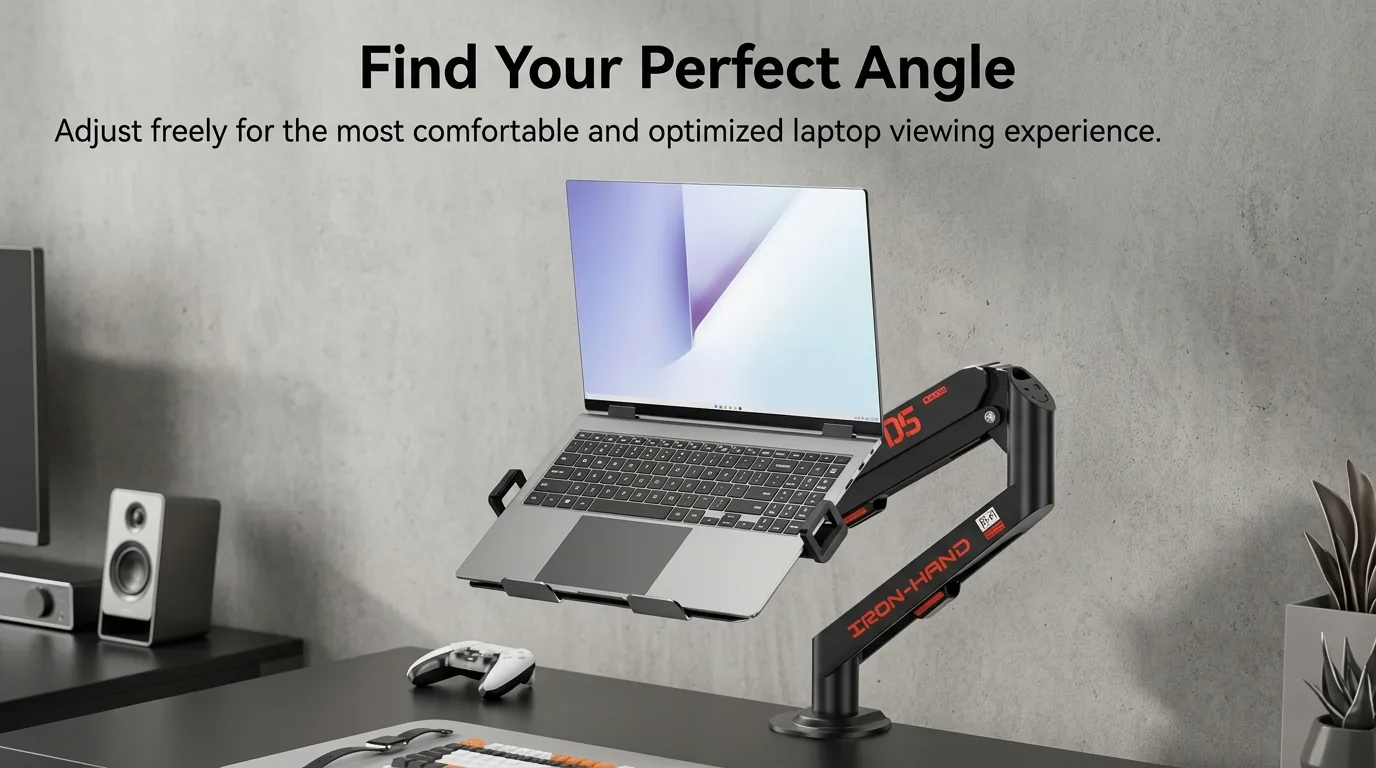
The headline feature is the gas-hydraulic floating arm: repositioning takes one hand and near-zero effort, and when you let go, the arm stays exactly where you left it — no thumbscrews, no sag, no re-framing. For recording art sessions, cooking, unboxings or any workflow where you change angles constantly, this is the difference between usable and frustrating. The arm offers full 360° adjustment around the clamp, and the mount reaches a practical working envelope over a standard desk.
Build, Mounting and Load
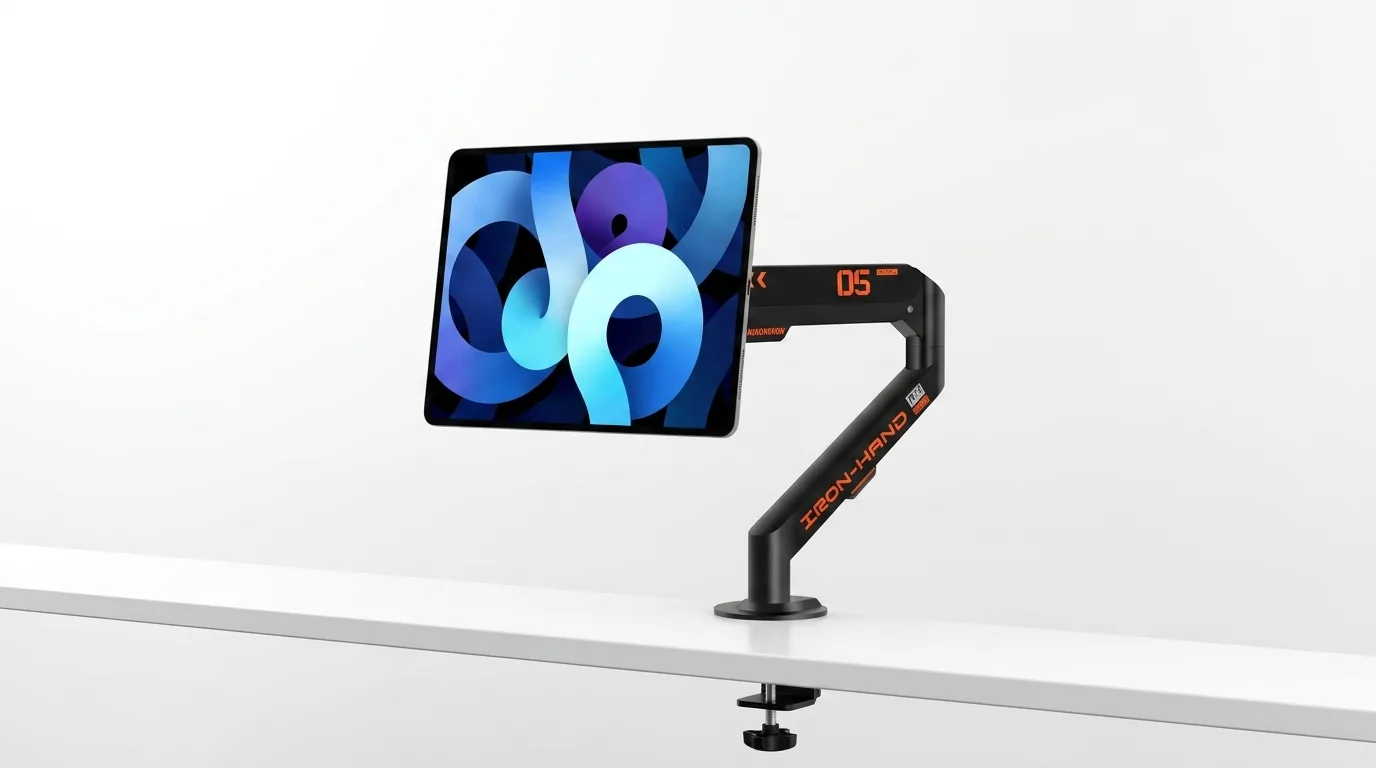
The C-clamp base grips desks up to a couple of inches thick with a rubber pad protecting the surface, and the phone holder at the end swivels for portrait or landscape — it ships with the holder for phones, and works with small cameras and webcams on its threaded mount point. Long-term owners (including a month-long Reddit review from a working artist) report the joints holding tension over months of daily use, which is where cheaper arms typically fail. The honest critique from users: the clamp is fixed — if you want to mount to a shelf or table edge away from the desk edge, options are limited, and heavier camera-plus-accessory rigs push past what the holder is designed for.
Who It's For
At roughly $43 online (it floats between $40 and $50 depending on seller), this undercuts dedicated boom arms that cost 3–5× more while delivering the same core promise: reposition one-handed, hold position all day. If you record painting or craft process videos, shoot top-down cooking content, or need a stable overhead phone for TikTok and live streams, it's the easiest recommendation in its bracket. If you're mounting a heavy mirrorless rig with a shotgun mic, step up to a proper studio boom — this isn't that.
Verdict
If you film overhead content and want a single arm that will hold position all day without costing boom-arm money, the JINRAIKO is worth the spend. It nails the fundamentals — stability, one-handed adjustment, a genuinely useful phone holder — and its flaws (fixed clamp, modest load rating) are the right corners to cut at this price. For Bangladesh creators, it arrives via international marketplaces; factor shipping and customs into that $43 figure, but even landed it remains the value pick for overhead work.